







Pick a style
Filter by style and tap to open the live demo exactly as guests will see it. Change your mind as often as you like — nothing is charged yet.
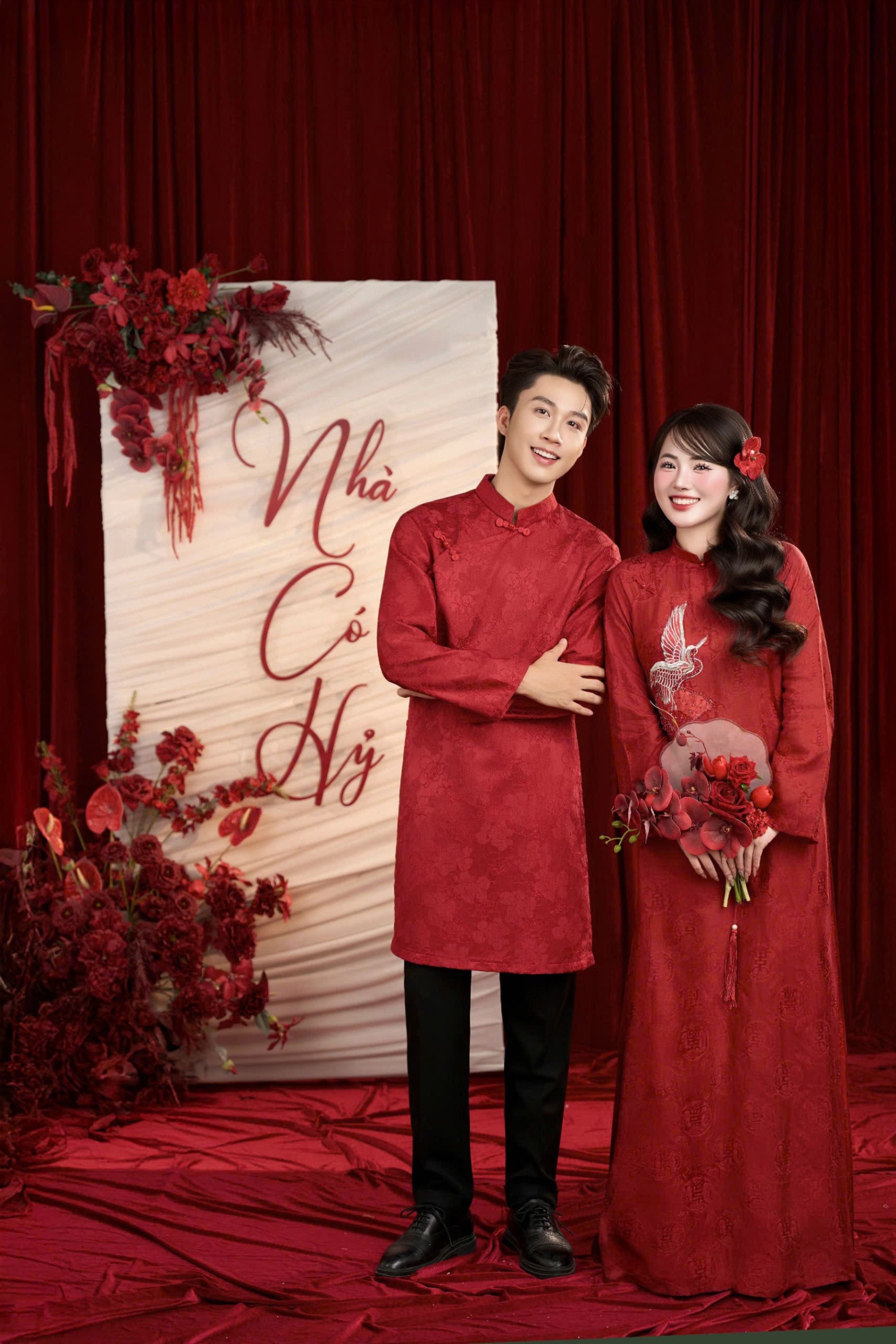
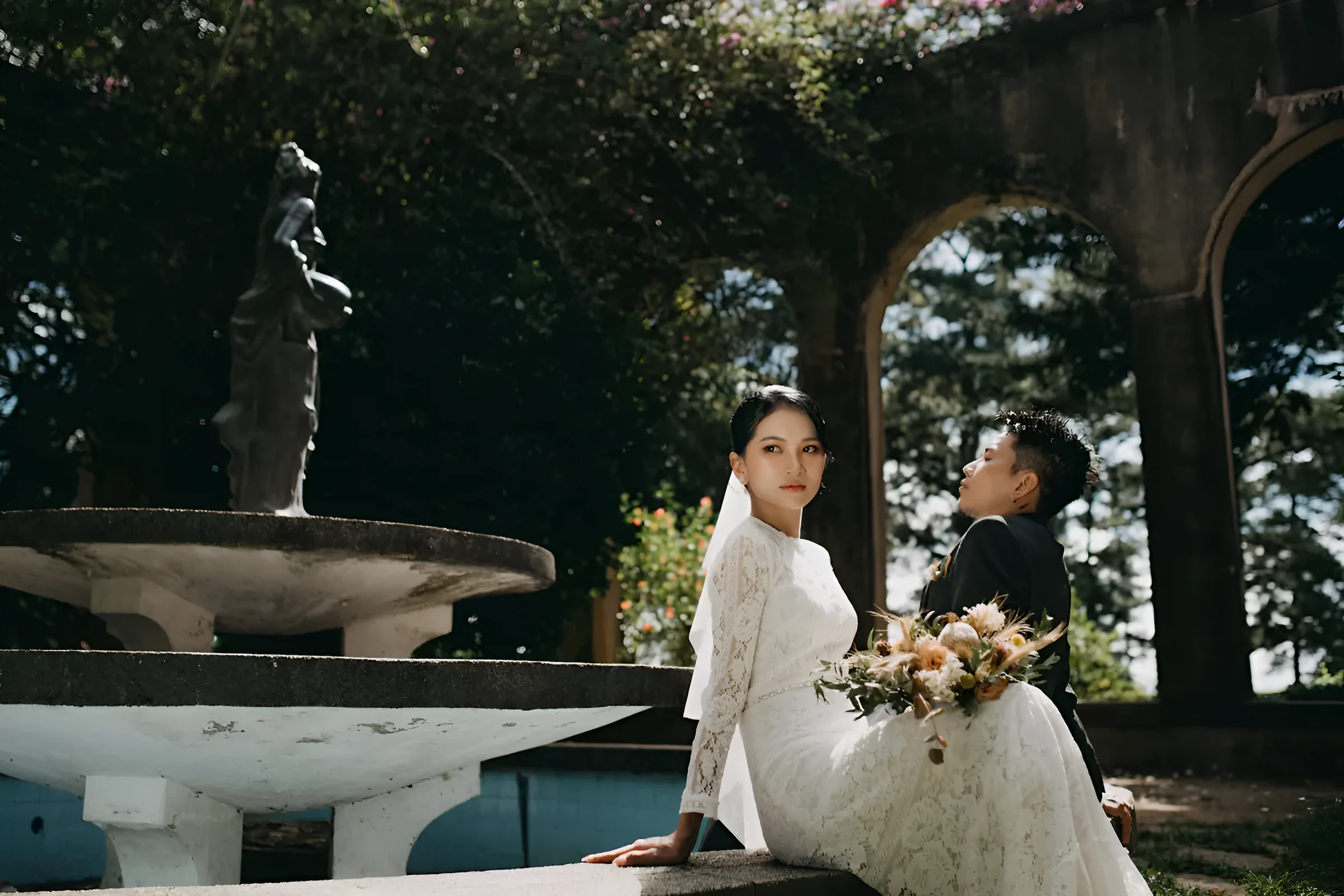
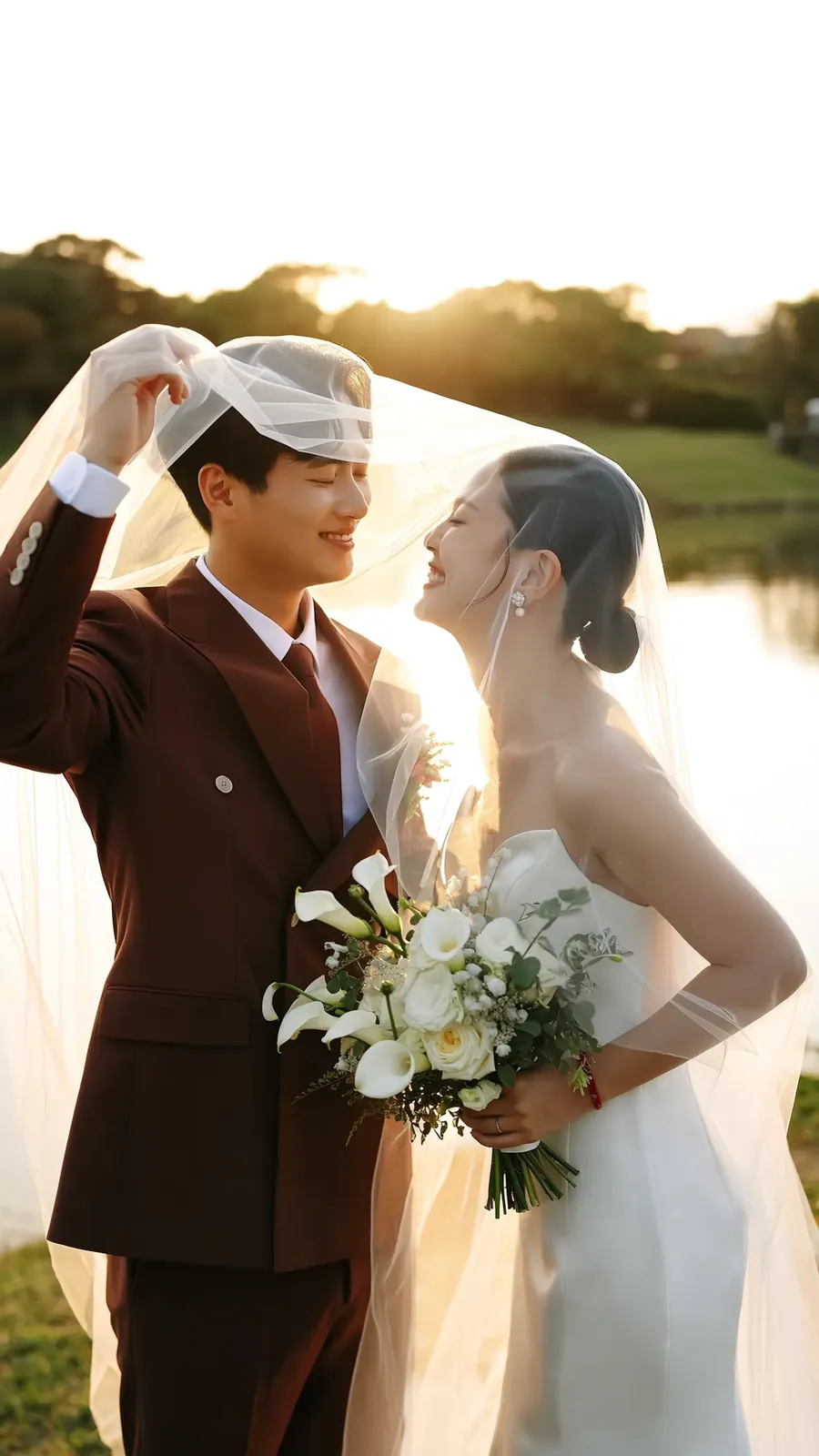
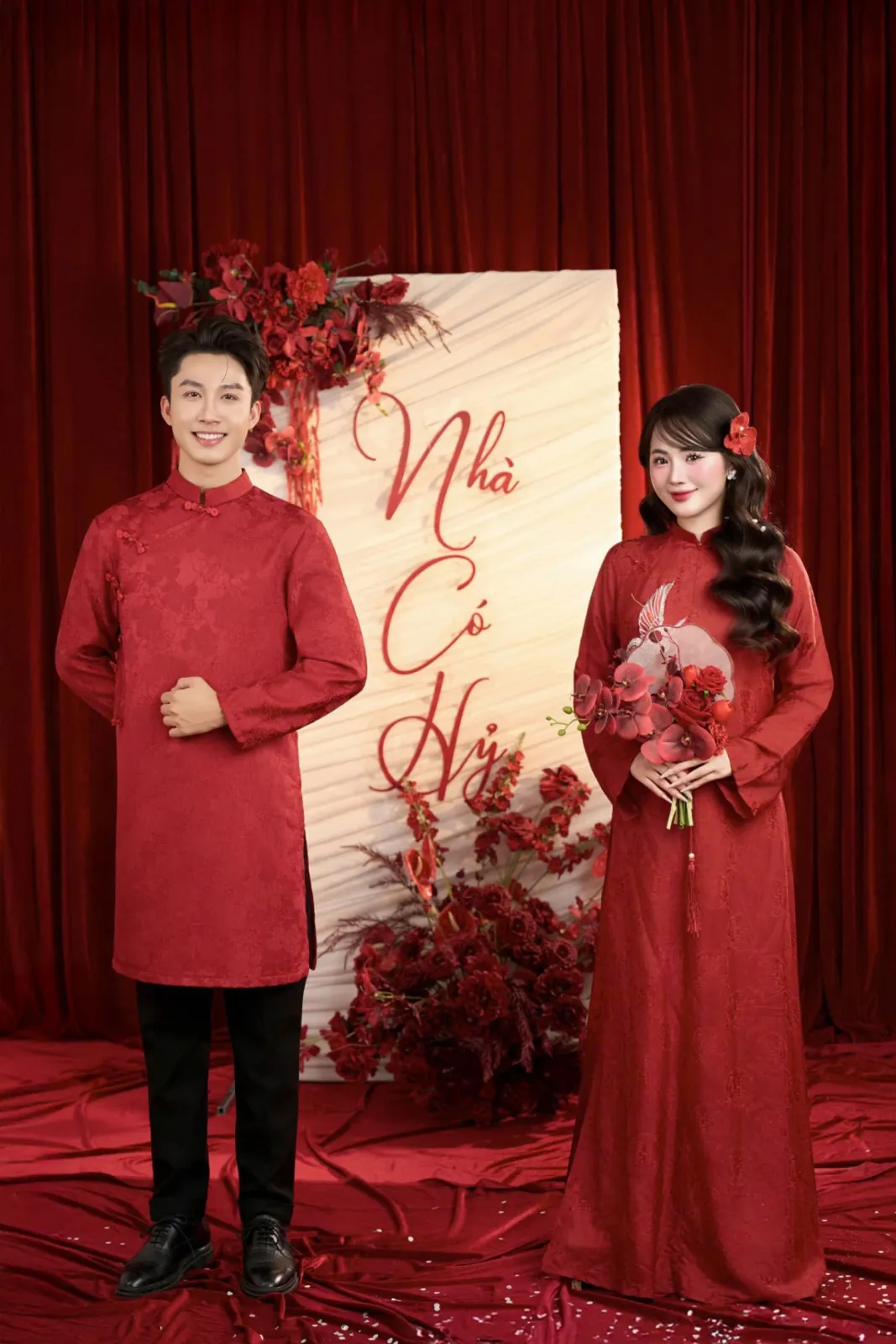
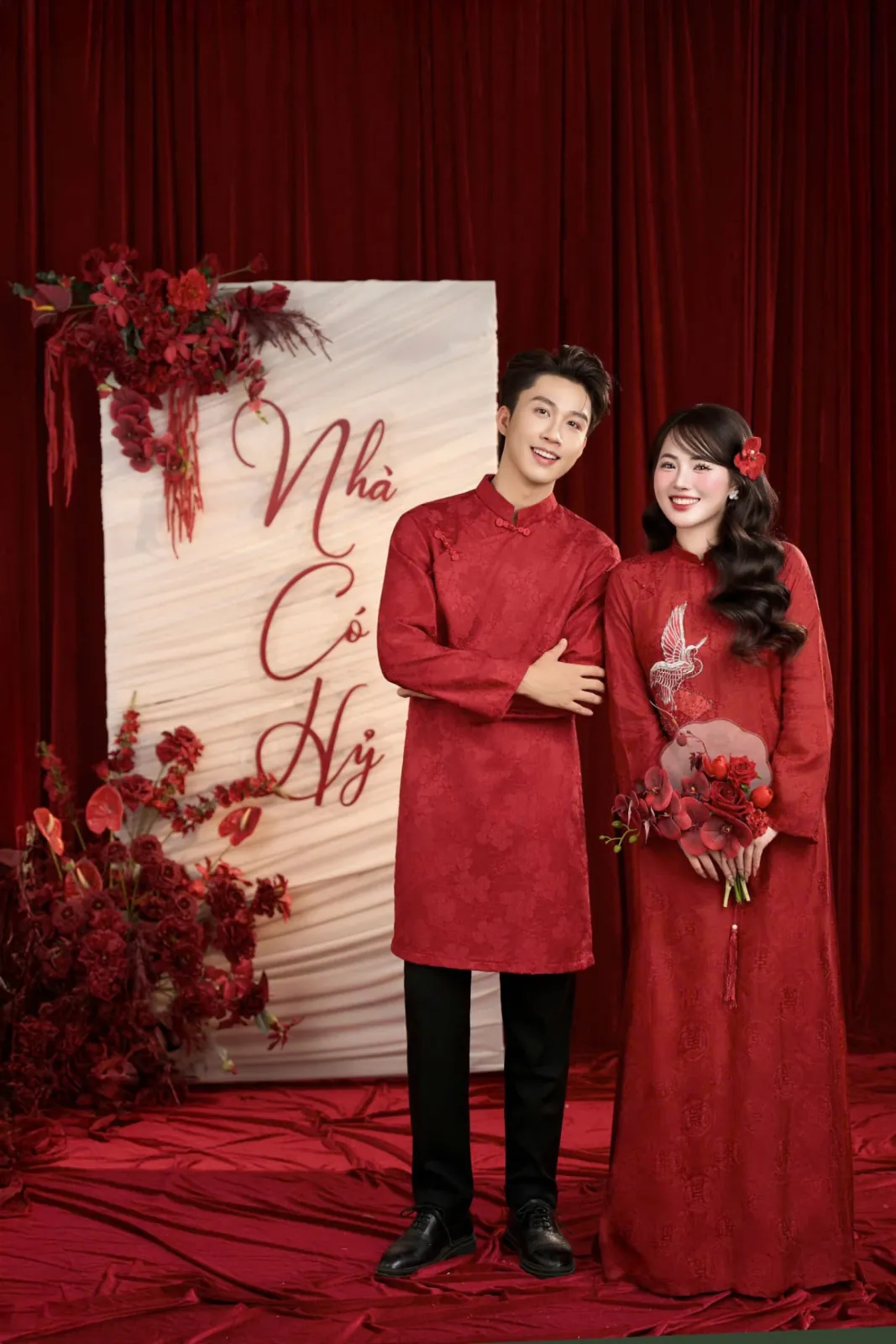
Red wedding photos suit Đèn Lồng or Cửa Son; white dresses suit Pha Lê or Vườn Hoa.
Online wedding invitations
Pick a template, add your names, the hour and a few wedding photos. The invitation reaches your family on Zalo or Messenger, with directions to the reception, your album, and somewhere for guests to reply.
The first stories are still to come. Trọn Một Đời has only just launched, so there are no reviews yet. We do not post sample praise: every story goes up only once it matches a real order.
Template gallery
Whichever template you choose, you can change its colours and photos at any time.
Names, dates and venues in these samples are placeholders.
How a card is made
Filter by style and tap to open the live demo exactly as guests will see it. Change your mind as often as you like — nothing is charged yet.
Red wedding photos suit Đèn Lồng or Cửa Son; white dresses suit Pha Lê or Vườn Hoa.
Type both your names and both sets of parents, the ceremony and reception times, then drop photos into the album. Every edit saves itself.
Have five things ready: photos, names, times, address, and a bank account if you want QR wedding gifts.
Paste the link into Zalo or Messenger, or print a QR code onto paper cards for older relatives. Every invitation carries the recipient’s own name.
For grandparents and elders, call first and send the link afterwards — the invitation lands more warmly that way.
Guests say yes or no, how many they bring, whether they eat vegetarian or need parking. You read the totals and confirm tables with the venue.
Set your RSVP deadline a few days before the venue’s, so there is time to nudge whoever forgets.
The catalogue
Every template is a complete invitation. Tap for a quick look, then open the demo exactly as guests see it on a phone.
Showing 8 of 66 templates.
Chapter 1 · The invitation
Pick a design, type your names and both sets of parents, add the auspicious hour in both the solar and the lunar calendar. Every guest gets a link that carries their own name.
You are warmly invited
Aunt Lan and family
to the wedding of
Minh Khang & Bảo AnSaturday · 19 · 12 · 2026
Sample invitation · example names
Chapter 2 · Guests and replies
Add guests by the groom's side, the bride's side or friends, then send the link over Zalo, Messenger or a text. Guests tap to reply, and you see at once who is coming, how many they bring, who needs parking.
Chapter 3 · The wedding day
The countdown runs itself, the route to the banquet opens in Google Maps, Apple Maps or Waze, and the music starts the moment a guest opens the invitation. Those too far away can still send a wish and a gift.

Illustration — no sound plays
Chapter 4 · After the day
The wedding album, the wishes in the guestbook and the photos guests took on the day all stay behind the link. Open it a year later and it is still exactly as it was.

 The bouquet toss
Aunt LanA hundred years of happiness to you both!
Sample wishes and photos
What a guest sees
Watch the ribbon open, then try replying and viewing the date and venue below.
Will you be joining us?
The sample invitation for Minh Khang and Bảo An — press it the way a guest would.
Both families warmly invite youTo the wedding ceremony and banquet of Minh Khang and Bảo An
After the invitation goes out
Know who is coming, change the design, add a language, build a video and receive gifts — all inside the same invitation.
Wedding planning guides
Short questions, short answers
Message us on Zalo, call or send an email. If you need help with wording or photos, just ask.
Write to usFree trial for 3 days, up to 20 guests. Check pricing before deciding to open the invitation to every guest.
It is a small website for your wedding that opens on any phone. Instead of handing out paper, you send a link — guests tap it and see the details, a map and a button to confirm they are coming.
Pick a template, fill in a form, then publish. Nothing to install and no design skills needed. Most people finish in about ten minutes.
No. You fill in a form and the invitation handles the rest: the lunar date, a month calendar, a countdown, a QR code for wedding gifts and directions to the venue.
The couple’s names, both sets of parents, the date, time and venue. Photos and background music are optional and can be added later.
Yes, as often as you like. Change details or switch template entirely; the link you sent stays the same and guests always see the newest version.
The trial takes up to 20 guests; once the invitation is opened there is no limit.
No. They tap the link and it opens in the browser already on their phone.
Not seeing your question? See the step-by-step guide
Let us begin
Pick a template, write a few lines, and send a preview to your family. Open the invitation once you like it.
Find guidance or contact information below.
Create your first invitationFrequently asked questionsContact supportMessage us on Zalo